0.22.0
Released 20 October 2026Added
- A Health checks page in the help lists every pack and each of its checks: what it looks at, why it matters, its severity and where it applies, in English and Czech. It is written from the same code the CLI runs, and the Health tab on the canvas links to it.
- The scenario page in the app shows which health packs the latest run had on and off, and how to switch one with
packs:in the scenario file. - Light or dark, your pick: the account menu in the app and on the canvas has a theme switch (System, Light, Dark). The choice stays on this device and applies before the page paints, so nothing flashes white at night.
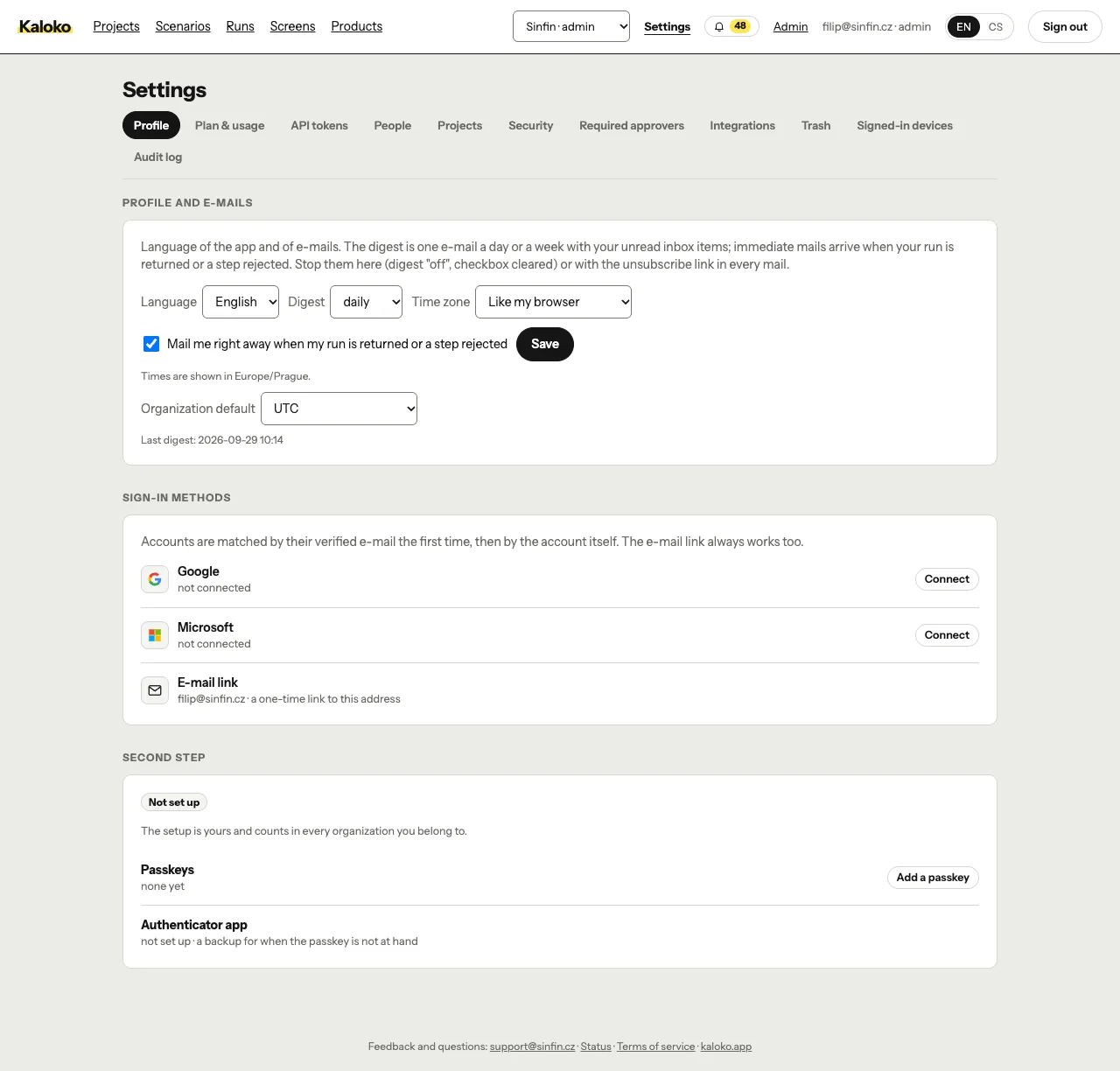
- The account menu holds who you are, the language of Kaloko, the theme, a link to the Kaloko website and Sign out. On a phone the same items sit at the bottom of the menu.
- Signed-in people reach the website again: "Kaloko website" in the account menu and the footer leads to the home page instead of back to your organization.
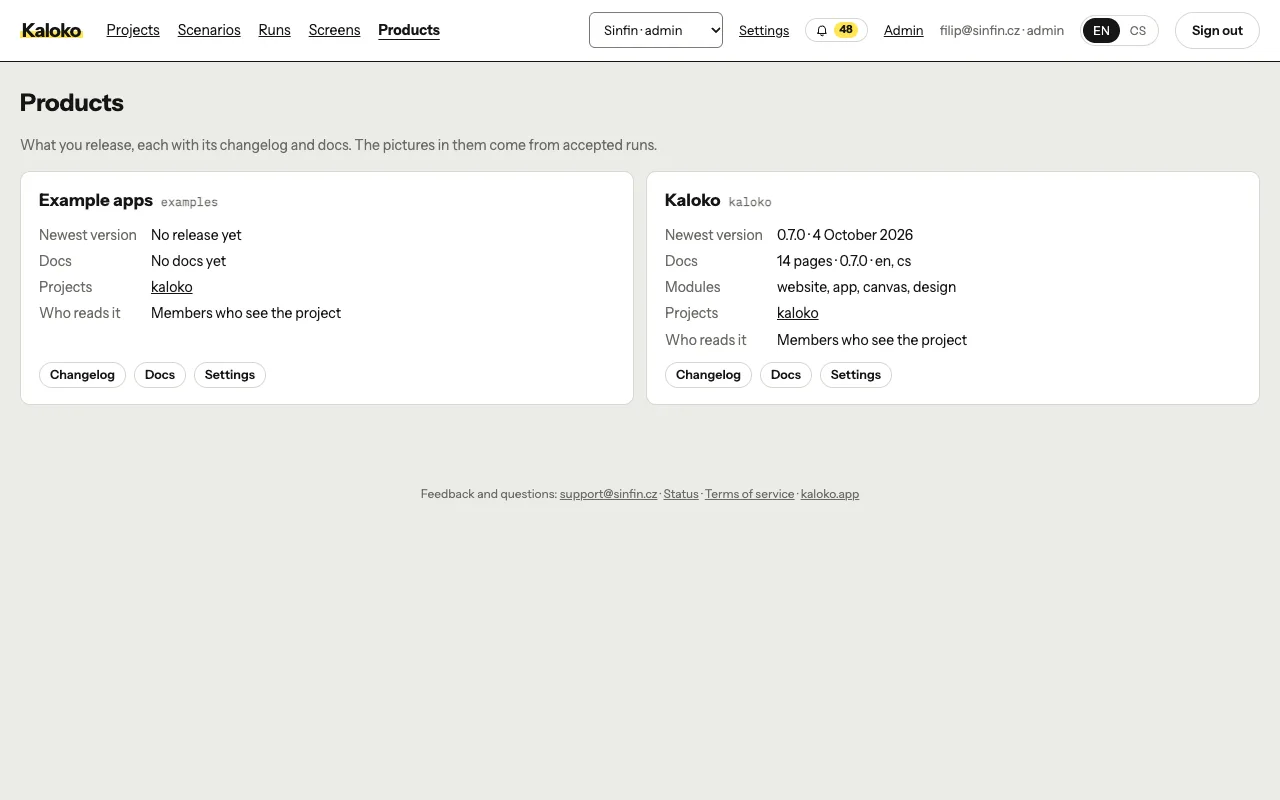
- A product you no longer ship can be archived:
kaloko products remove <product>, or Archive product at the end of its changelog settings. It disappears from Products, its changelog and docs answer "not found", and its releases and docs stay stored.kaloko products syncreports it as archived instead of creating it again, andkaloko products restore <product>brings it back. - The help page on browsers and devices describes the default capture setup and how to change it.
kaloko scenario move <scenario-id> --project <slug>moves a scenario to another project with all its runs, design drafts and screens. Admins do the same in the app, in Scenario settings on the scenario's page, after a confirmation. The move wins overproject:in the config, so later shares land in the new project too.
Changed
- On a design environment the code-only packs (
seo,aeo,perf,console,errors) are off, because a designer's HTML has no real server, meta tags or error statuses.health: { design_packs: [console] }in the scenario keeps one on. The run says which packs it turned off (packs_offin run.json). - Design versions are listed under Design drafts on the home page and no longer among the runs.
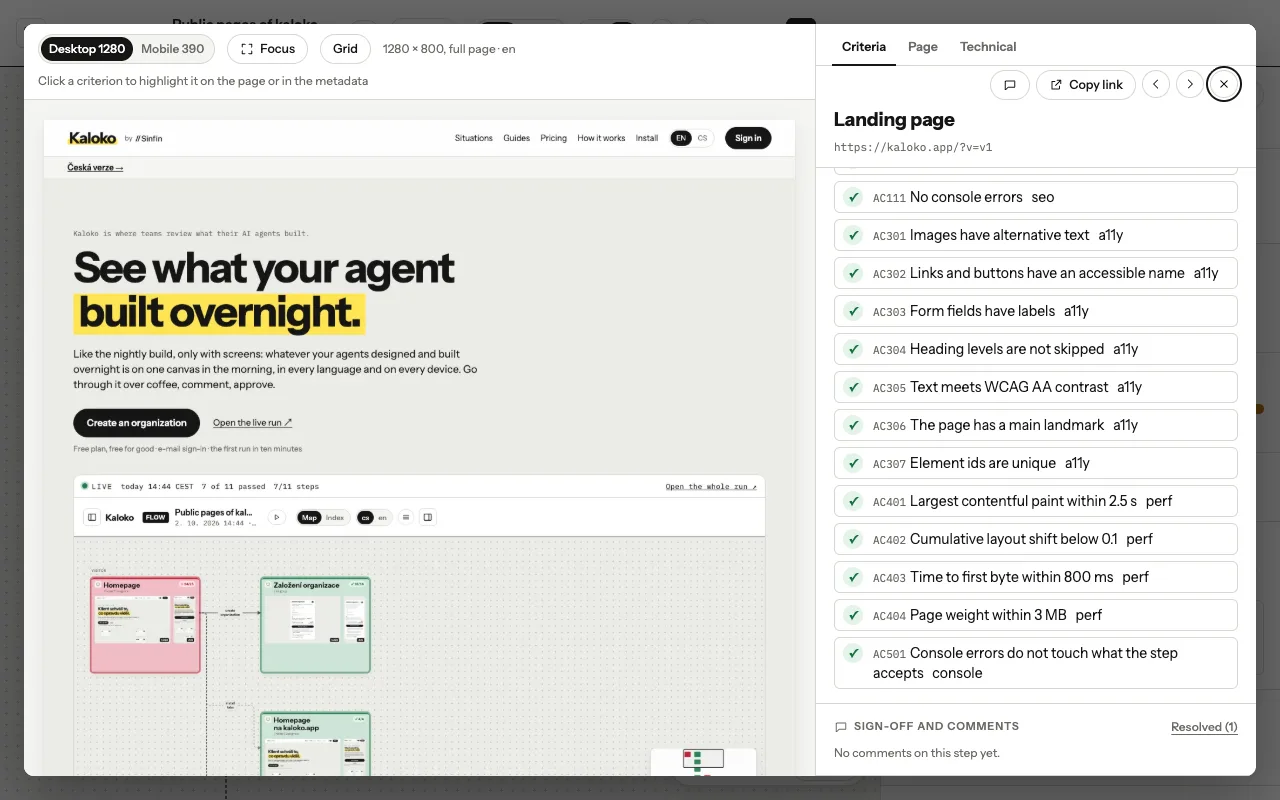
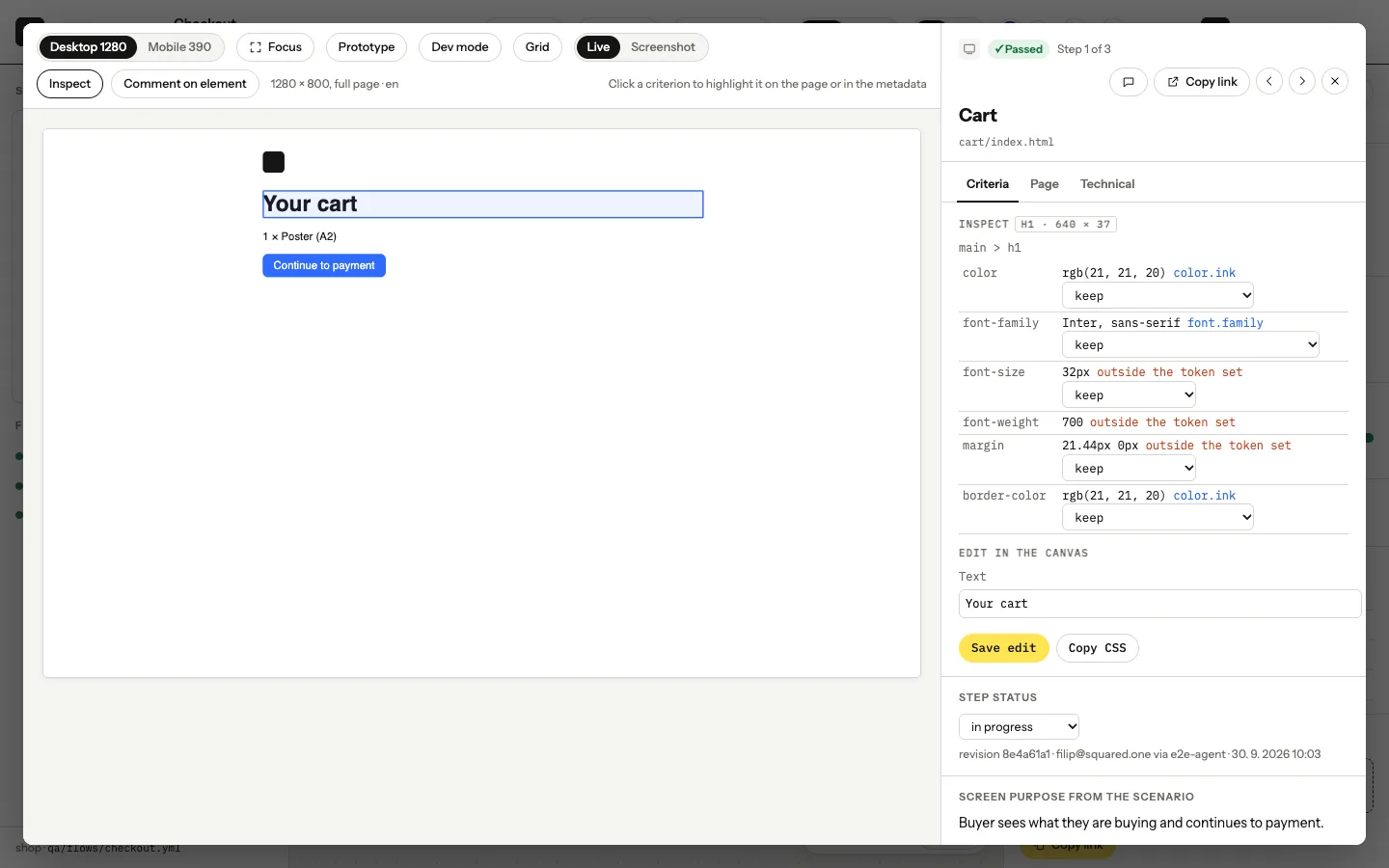
- The canvas explains Live, Inspect and Dev mode in a line each: Live runs your own uploaded HTML, Inspect styles shows an element's styles and tokens, and Dev mode is the handoff to development. Kaloko does not write code from a design.
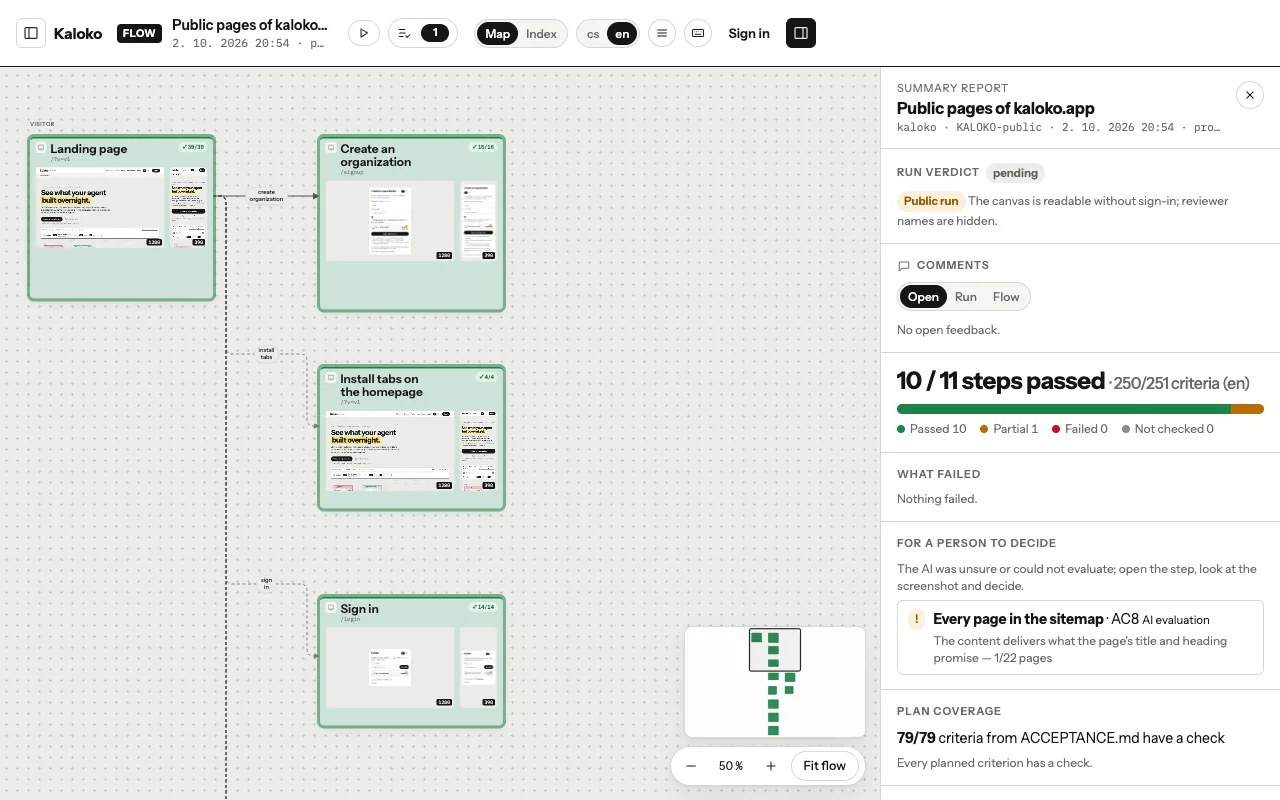
- The canvas shows the same main links as the app, in the same order: Scenarios, Runs, Screens, Projects, Products.
- The language of Kaloko moved from the canvas bar and the app header into the account menu, so it no longer sits next to the run's own locale switch.
- The menu button on a phone is round with three lines in the app too, like on the canvas.
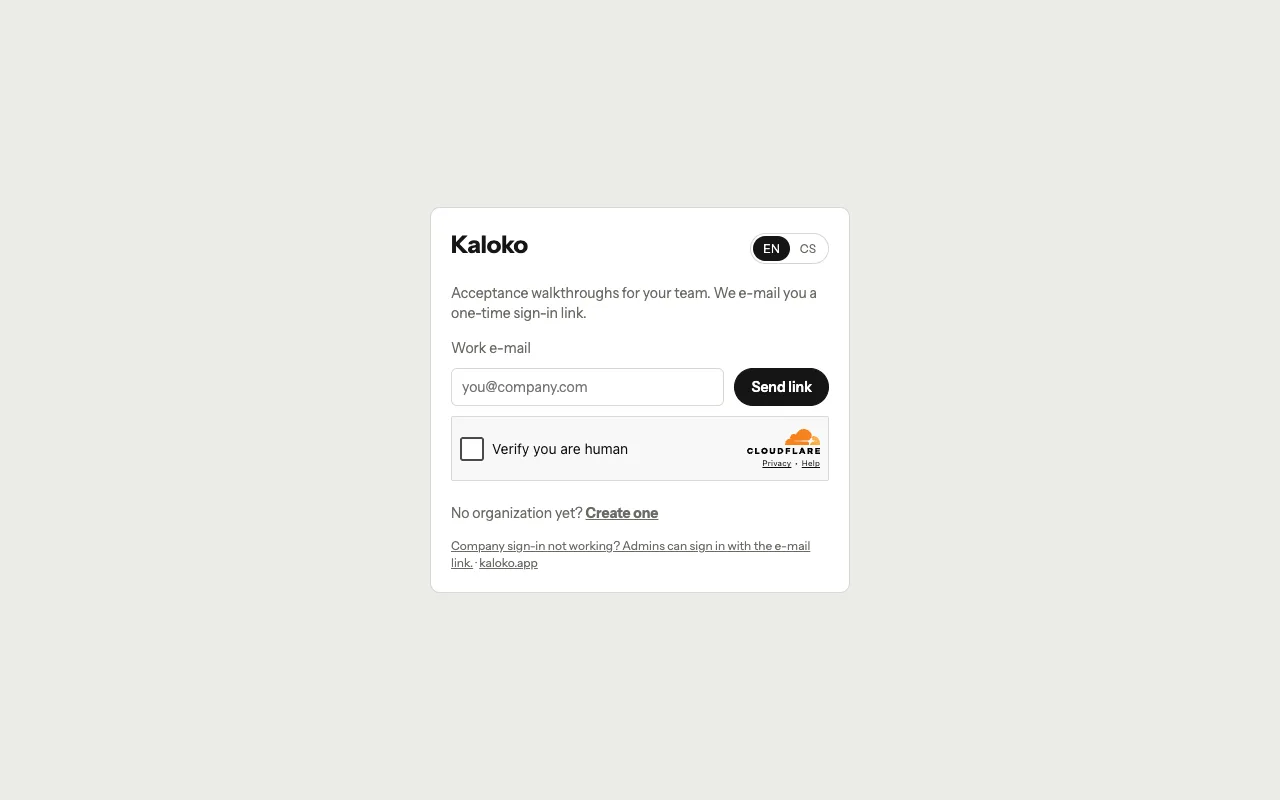
- Someone who is a guest or a viewer in another organization can now create their own. Only a full member elsewhere (Designer, Developer / Tester or Admin) is asked to sign in instead. Sign-in goes to the organization where you are a full member first; the others are in the organization switcher.
- New scenarios from
kaloko init,kaloko draftand the template capture mobile at 360 × 800 instead of 390 × 844, next to desktop at 1280 × 800. Existing scenarios keep their sizes and baselines. A tablet is added only when you ask for one (tablet: [744, 1133]). - The scenario and runs lists no longer look the same. A scenario row starts with its trend, the number of runs and the last result; the runs list is split by day, and each run starts with its time and who shared it.
- Branch and commit moved from their own column to a grey line under the scenario name, with a long branch cut short (hover shows it whole). Both lists now fit a 1280 px screen without a sideways scrollbar.
- The scenario list shows the project as a plain label. The project picker in every row is gone, so a stray click no longer moves a scenario with all its runs.
- Return and Approve on a step have their own bar under the comment box, so a comment no longer sits one click away from a decision. In review mode you decide in the bottom bar only; the side panel is for comments.
- In Live mode the comment box says that comments go on an element of the page and starts picking one; pinning and drawing stay on the screenshot.
- "Mark a changing region" no longer disappears on drafts, for viewers and reviewers, or on a step without a screenshot. The button stays, disabled, and says why.
Fixed
- The Screens page follows dark mode: tiles, picture frames and the status labels used light colours on a dark page.
- On the Screens page, the "not checked" label no longer hides off screen.
- The canvas viewport switch offers only the viewports the run has: no "Both" for a run captured on one, and Tablet when the run has a tablet (with three or more viewports the first choice is "All").
- The gate of an environment (HTTP Basic, service-token headers) no longer follows a redirect to another host. Podcast audio that a gated page sends on to S3 now plays instead of failing with HTTP 400, and an identity provider or a link checked on another host never sees the gate. Redirects within the gate keep it, as before.