Security and your data
Kaloko runs where your code and your agent are: the CLI walks, captures and checks on your machine or in your CI. The service at kaloko.app stores what you share, shows the canvas and collects decisions. This page explains what travels where. Where the data is stored and which companies process it is on the trust page, which is kept up to date.
What leaves your machine
Nothing until you share. kaloko walk, evaluate and preview work locally, and the local canvas opens from disk. kaloko share uploads the run: screenshots, the captured HTML, criteria with their evidence, and recordings where your plan keeps them. Files travel by content hash, so a capture that did not change is not sent again.
Traffic data is opt-in. With traffic.gsc or traffic.ga4 in the config, the CLI asks Google's Search Console and Analytics APIs for numbers per page, straight from your machine or CI, signed in as a service account whose key you name with an environment variable. The key and the access token are never written into the run or uploaded, and are removed from any message that would show them. The answers are cached in the run folder's .cache on your machine. The numbers per page (clicks, impressions, CTR, position, sessions) end up in the stack's items.json, so they go to kaloko.app with the run when you share it. A CSV export under traffic.file is read locally like any other file.
What the evaluator sees
For text criteria the evaluator gets a reduced outline of the page with e-mail addresses and tokens masked, never the raw HTML. A screenshot goes to the vision evaluator only for criteria marked vision: true and for answers the text evaluator was unsure about. With your own key the request goes from your machine to that provider; without one, it goes through Kaloko. When you configure your own model (kind: openai_compatible), the page outline goes only to the address you wrote in base_url, such as Ollama on your own computer.
Secrets stay out
Secrets are never written in kaloko.config.yml. The config names an environment variable of your choice (password_env: STAGING_PASSWORD), and the value is read from the environment, the project .env or ~/.config/kaloko/.env. Values of those variables are removed from captured HTML, page text and console output before anything is stored. Sessions saved with kaloko auth save stay on your machine and are never uploaded.
Personal data stays hidden
Masks hide personal data in everything a step stores, not only in the screenshot: the captured HTML, the outline for the evaluators, traces, recordings and captured e-mails. With pii: redact Kaloko finds e-mails, phone numbers, birth numbers, IBANs and addresses by itself; pii: pseudonymize puts consistent fake values in their place. An environment with pii: required gets no run without it, and kaloko share refuses a run that still holds an unmasked e-mail or phone number. See Hide personal data in captures.
Production is read-only
An environment marked as production is always read-only in the CLI: public pages as a visitor, no sign-in to back offices, no data created. A scenario must declare readonly: true to run there.
Runs expire
Every shared run has an expiry date, 30 days by default, at most your plan's retention, and is deleted after it. kaloko keep keeps a run for good; on Business and Enterprise accepted runs do not expire while the plan lasts. From the Team plan up you can download a run as a ZIP at any time with kaloko export.
How files are served
Uploaded files are served from a separate domain under short-lived signed links. Captured HTML is shown in a sandbox without scripts.
Who gets in
People sign in with a one-time e-mail link or with Google, Microsoft or GitHub, and can add a passkey or an authenticator app as a second step. Someone who signs in with Google, Microsoft or GitHub before they belong to any organization can create one; the provider has already verified their address. A passkey counts only when it asks for a PIN, a fingerprint or the face. Enterprise adds company sign-in over SAML or OIDC and SCIM.
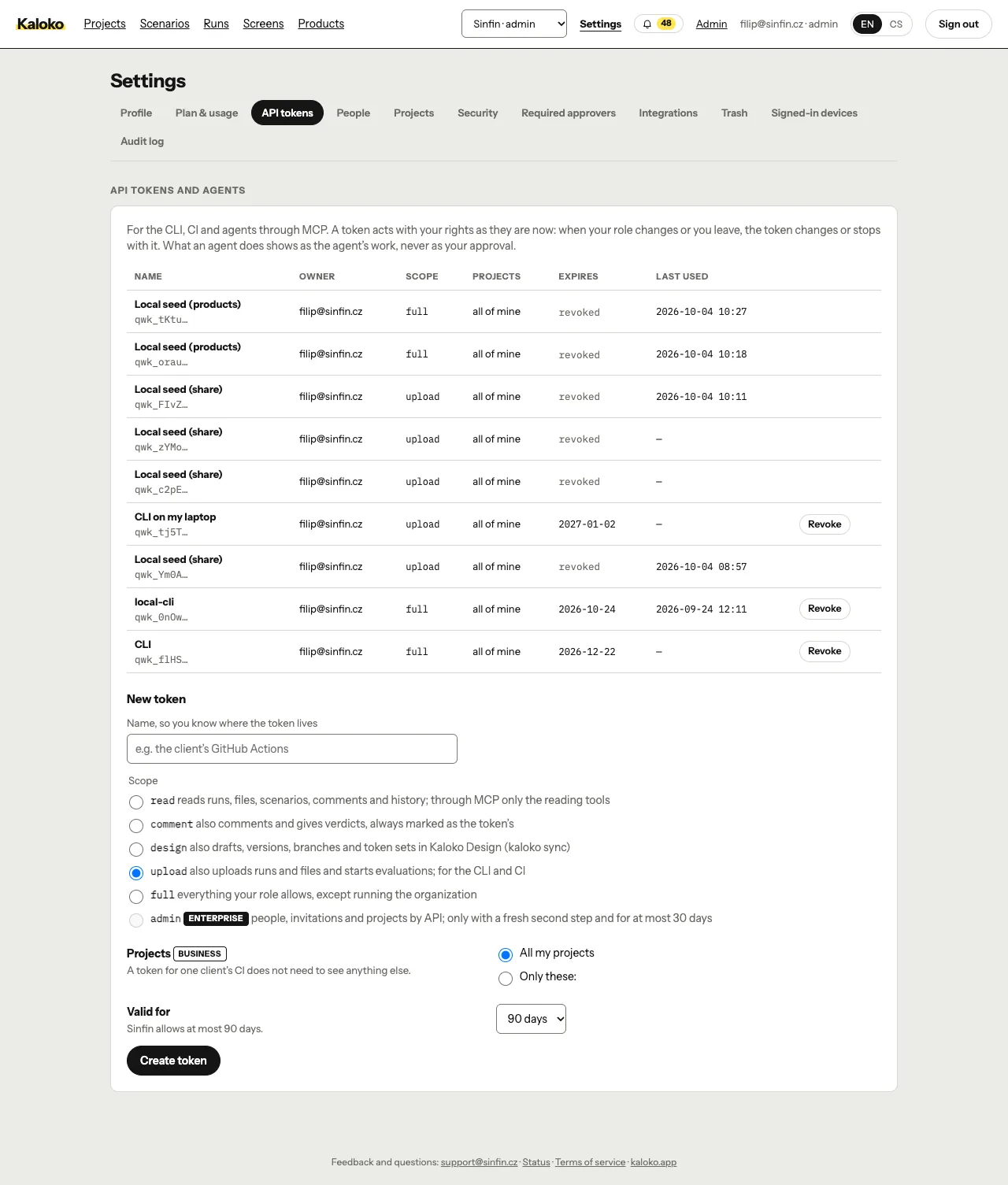
Roles decide what a person may do: a Viewer reads, comments, approves and returns; a Designer or a Developer / Tester also uploads; an Admin also manages members, tokens and settings. Viewers are free in every plan. API tokens carry their own scopes and expiry, and the CLI's token from kaloko login lasts at most 30 days.
Questions a security review asks
The trust page answers where data lives, how it is encrypted, the list of subprocessors and where the SOC 2 preparation stands. For a vulnerability report or the data processing agreement, write to the contact given there.