How Kaloko maps to your applications
One repository is rarely one app. A monorepo holds several apps, one app spans several repositories, an agency has a project per client, and every team names its environments differently. Kaloko uses a small set of concepts that you map to your situation once.
The concepts
| Concept | What it is | Typical mapping |
|---|---|---|
| Organization | your company or agency account | one per company |
| Product | something released and versioned as a whole, with its own changelog and docs | a web shop, an admin, a mobile app, a package |
| Project | a unit of work and access: who sees it and who reviews it | a client, a team, a module, a whole app |
| Module | a part of a product with its own section in the docs and the changelog | checkout, account, billing |
| Scenario and step | a flow and its screens | belongs to a project; may name a product and a module |
| Environment | where a flow runs | local, preview, staging, production, production-cz |
| Version | a released version of a product | from git tags, package.json, your release tool or kaloko release |
Products are optional
Without products, a project is the product and its changelog is the project's changelog. Most teams start there. When you need more, list products under products: in kaloko.config.yml, and scenarios name theirs with product: and module:. Nothing has to be moved.
A project can cover several products, and a product can be worked on in several projects. Docs and changelog entries refer to steps, so they know their product and module from the scenario.
Versions belong to products
An environment only says where a run happened. A run is tied to a product version, and the docs for version 2.4 show the accepted runs of 2.4. The pictures come from the environment the product names as its reference (reference_env), for example staging for an internal tool or production-cz for a Czech-only portal.
Four common set-ups
- One app, one team. No products; the project is the app and has one changelog. This is the default.
- A monorepo with several apps. One product per app; projects per team or per app.
- An agency. A project per client and a product per deliverable. Client guests read only the changelog and docs of their product.
- A large app with modules. One product with modules per team. Each team keeps its module's docs, and the release has one combined changelog with a section per module.
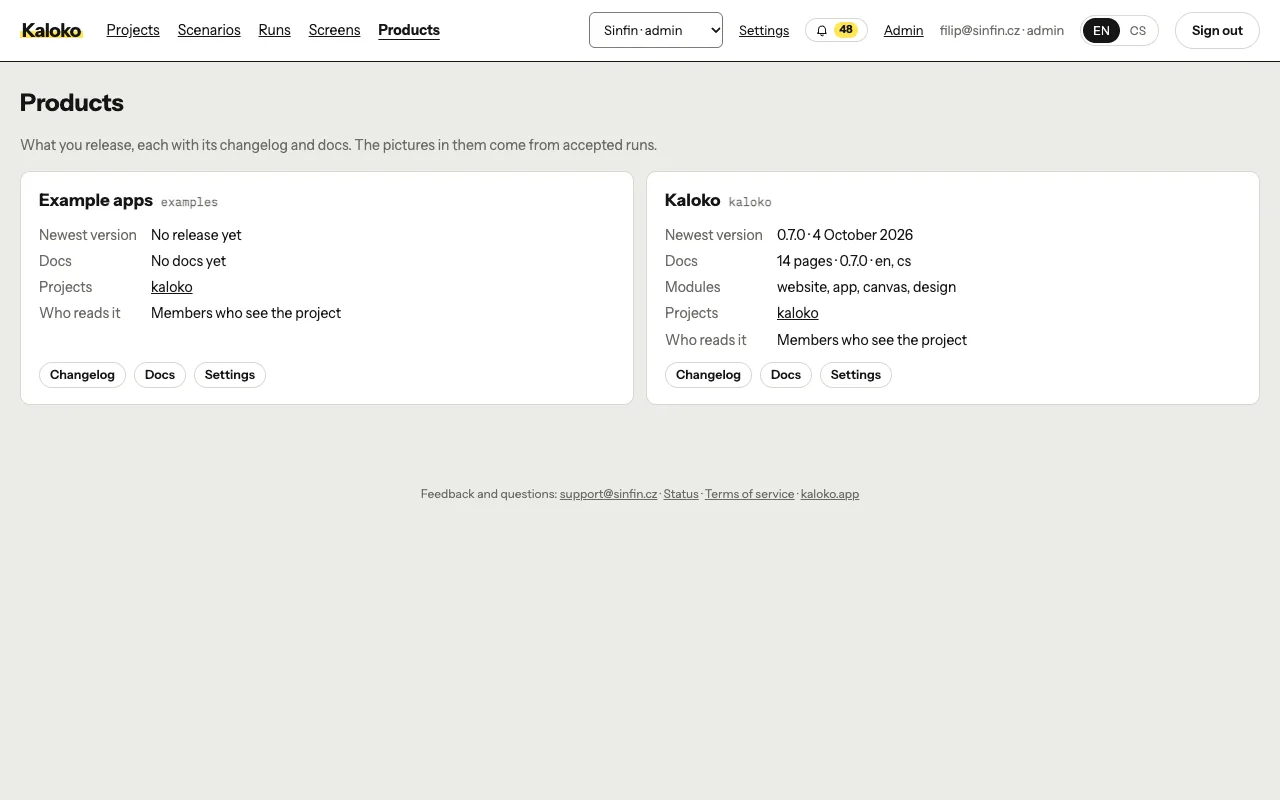
kaloko init proposes a product for each app under apps/ that has its own package.json. kaloko products sync puts them on Kaloko before their first release, and Products in the app's menu lists every product you read.
Every piece works alone
You can use only the changelog, only the docs, only one module's docs, only the pictures for a docs site you already have (kaloko export), or only the "What's new" e-mail. Nothing requires the whole set.