Design a flow with your agent
In this tutorial you design the screens of one flow as live HTML with your own agent, let the team comment on them, publish a version and make it the design that every implementation is checked against. You need a project where kaloko init has run and a scenario for the flow, for example qa/flows/checkout.yml.
Add a design environment
A design environment is a folder the CLI serves while it walks. Add it to kaloko.config.yml:
environments:
  design: { kind: design, serve: design }
The scenario stays the one development and QA use: same step ids, same criteria. A design is checked against the acceptance criteria too, before anyone builds it.
Let the agent draw the steps
Ask your agent, with whatever design skill your team uses:
Design the checkout flow into design/ with our brand skill: one folder per step of qa/flows/checkout.yml, shared CSS in design/_shared, tokens in design/tokens.json. Then run kaloko walk and kaloko sync.
Each step becomes design/<step>/index.html: plain HTML, CSS and JS that open from disk. Links between steps are relative links such as ../payment/index.html.
Walk, lint and sync
npx kaloko start --scenario qa/flows/checkout.yml --env design
npx kaloko design lint
npx kaloko walk
npx kaloko sync
design lint checks the folder against the portable HTML rules: relative URLs, no CDNs, no storage, predictable content. walk renders only the steps that changed, and sync saves them into the shared draft and takes the steps others changed.
Comment together
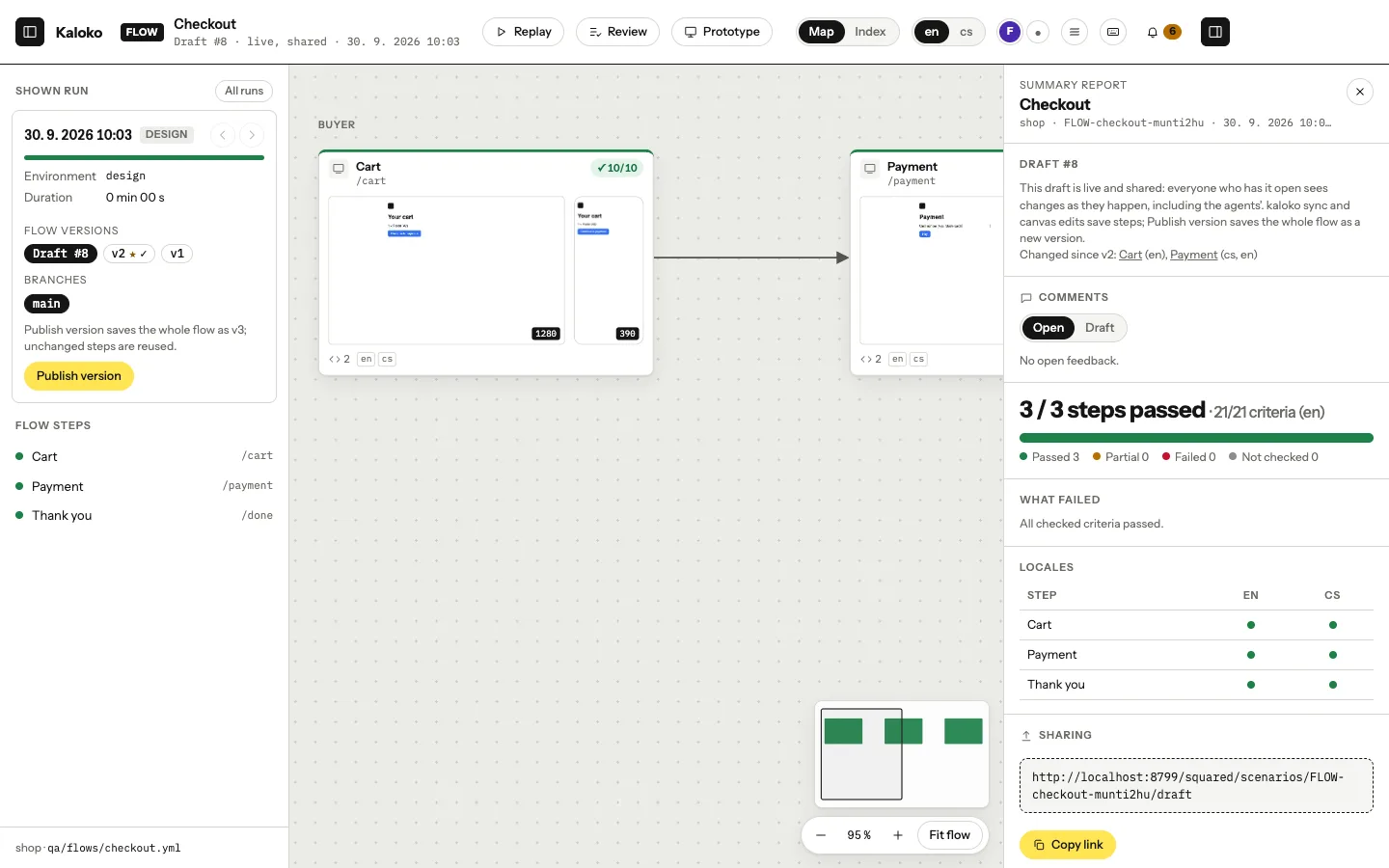
The team opens the draft on the canvas, clicks through the live steps and pins comments to elements. Everyone sees who else is looking. Your agent reads the comments with kaloko feedback, changes what they ask for and syncs again.
Publish a version
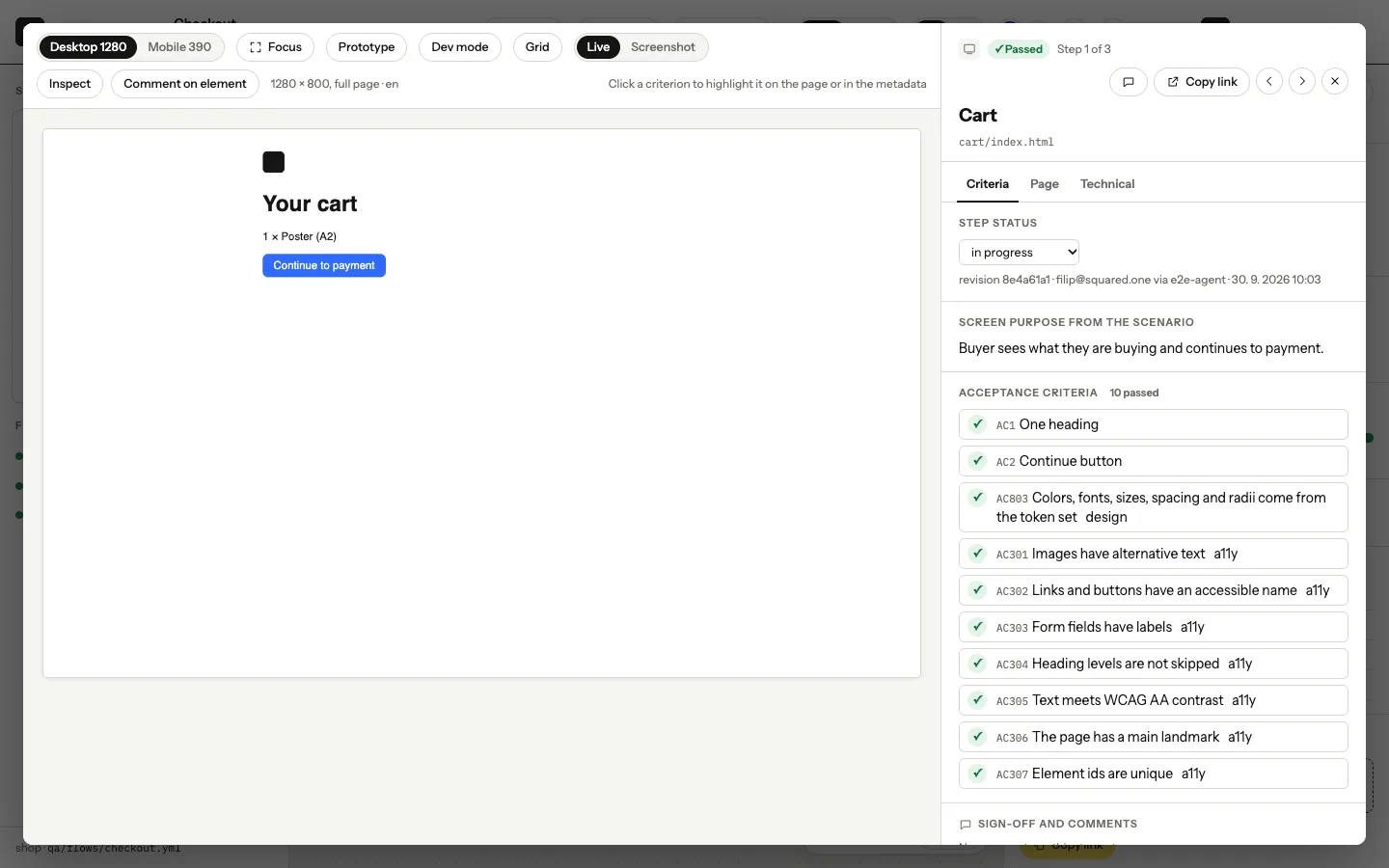
npx kaloko share --name "Checkout v2"This publishes a version of the whole flow, such as "v2 · 3 changed, 17 unchanged". Unchanged steps are stored once. share --notes-preview shows the notes on what changed before you publish.
Make it the reference
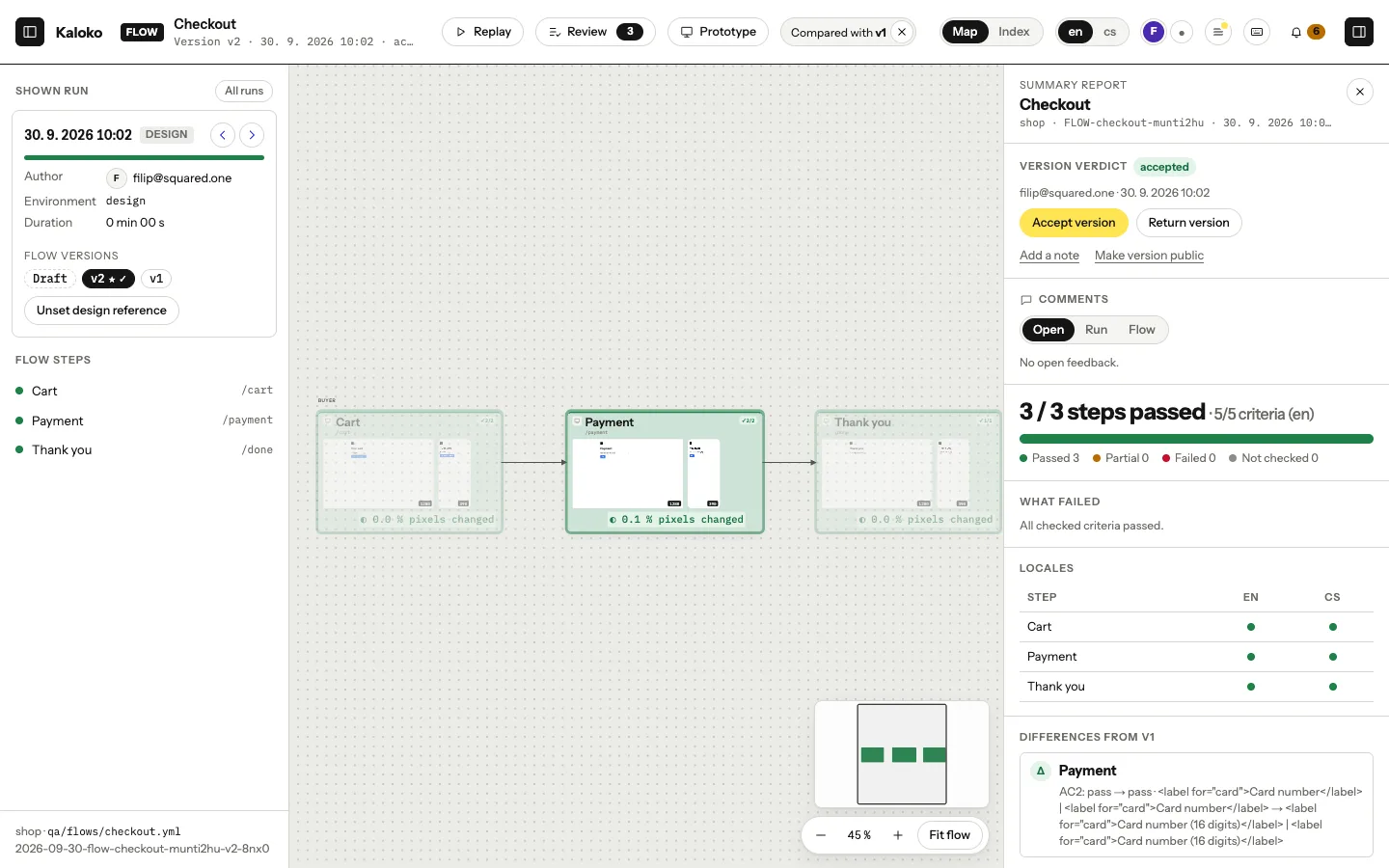
Once a person has accepted the version, make it the design reference (Team plan and up):
npx kaloko reference --design --version 2Turn on packs: [design] for the implementation steps of the scenario. On Business and up, every implementation run is then checked against the reference: pixels, structure, tokens and contrast, and kaloko drift names the token to use where the code differs.
Coming from Figma
If the design already lives in Figma, kaloko design import figma <file-url> --scenario qa/flows/checkout.yml turns its frames into design steps and its variables into tokens. A folder of frames exported from Figma works without a token.