Publish a changelog with pictures
Your accepted runs already hold every screen of a release. Kaloko turns CHANGELOG.md in your repository into a page with before and after pictures that clients, support and marketing can read. Kaloko's own changelog is made this way and is public: kaloko.app/p/sinfin/kaloko/changelog.
Set it up once
npx kaloko init --docs=changelogIt adds CHANGELOG.md (Keep a Changelog) and the changelog block in kaloko.config.yml. A repository with several apps lists them under products:; npx kaloko products sync puts them on Kaloko before their first release.
Put pictures in the entry
A picture names a step instead of a file:
- The pricing page compares every plan in one table.
 KALOKO-public is the scenario id and pricing the step id. Without ?version= the reference shows the newest accepted screen; ?version=prev shows the one from the release before.
Draft the entry
npx kaloko changelog draft            # prints the Unreleased entry
npx kaloko changelog draft --apply    # writes it into CHANGELOG.md
The draft collects the pull requests and commits since the last release, groups them into Added, Changed, Fixed and Removed, and adds before and after pictures of the screens accepted runs show differently. Rewrite the lines for people: what they can do now, one change per line. --since <tag> drafts from another release.
Record the release
npx kaloko release 2.4.0Unreleased becomes 2.4.0, the release is recorded with the accepted runs that are its pictures, and the command prints the changelog page. Without a version, Kaloko reads it from git tags, package.json, release-please or changesets.
When release-please, changesets or semantic-release make your releases, they keep writing CHANGELOG.md and Kaloko only reads it. npx kaloko ci github --release adds a workflow that records every published GitHub release.
Who reads it
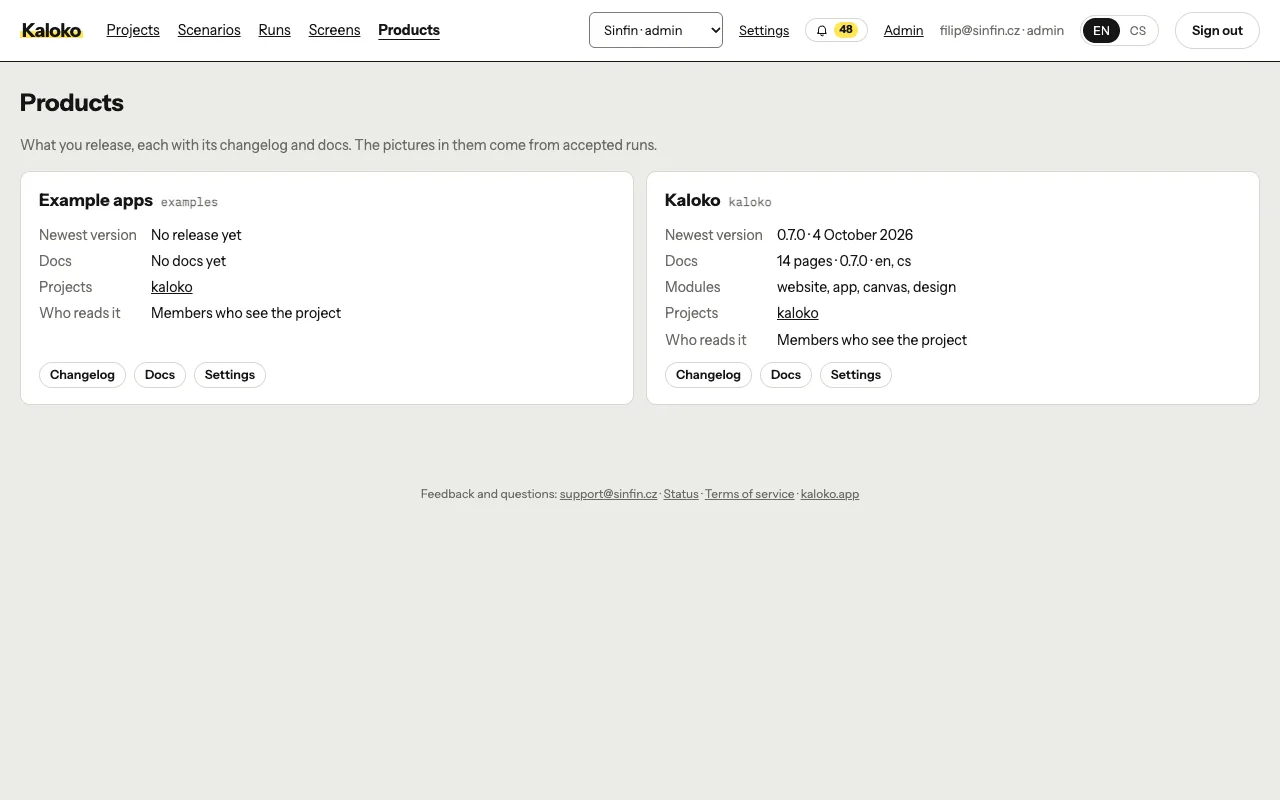
The changelog is under Products in the app. Everyone who sees one of the product's projects reads it, guests included. On Business and Enterprise an admin of those projects can choose on the page who else reads it:
- Readers from our domain: everyone who signs in from a verified domain of your organization.
- Anyone with the link: a public page with an Atom feed. Search engines index it only when you allow it.
Readers can also ask for a "What's new" e-mail on the changelog page (Business and up): each new release arrives with its pictures in their language.
How readers use the page: Read what's new. To keep guides current the same way, see Publish living docs.